
Main Features
E-Merchandise
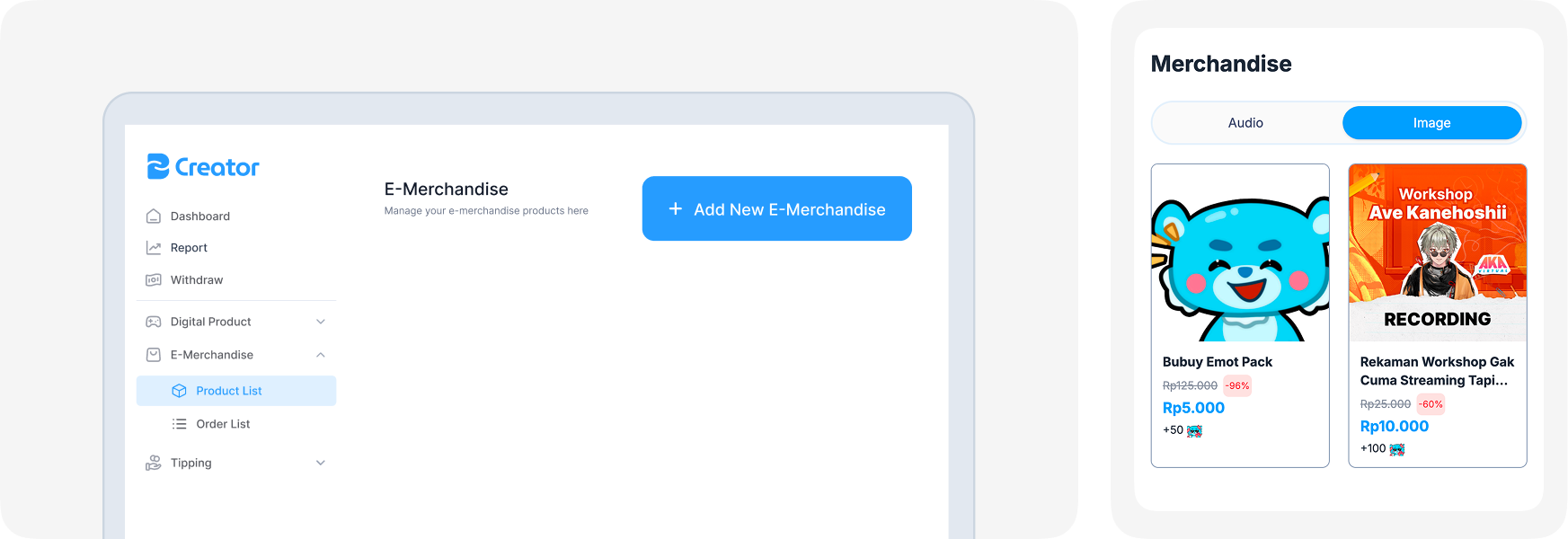
Creators can sell digital merchandise such as audio, images, e-books, and other digital products through their platform. This feature allows creators to fully customize their e-merch catalogue, including setting standard prices and promotional pricing.
You can manage your e-merchandise through E-Merchandise → Product List → Add Product.
| Terms | Description |
|---|---|
| E-Merchandise Name | A product name to be shown in platform. |
| Product Description | A description for product specification to inform to user. |
| Selling Price | Price that will be shown exactly in the platform. |
| Your Net Earnings | Balance that will be added to your withdrawables per product transactions. |
| Set Promotion | Toggle to activate user defined discount. |
| Promotional Price | User defined price cut for the product. |
| Personalization | A toggle to activate personalization on image product. |
| Personalization Text | A user defined text to be added into the product (image). |
| Product Image | Image preview for audio product to be set as previews. |
| Submit E-Merchandise | Call to action to submit e-merchandise product to be reviewed by Buylink Creator team, it takes maximum of 72 hours. |
For Whispers (voice note request) product category, user must confirm whether to accept or decline requested voice notes and submit the file 3 days after user successfully doing payment.
You can view order list at E-Merchandise → Order List.